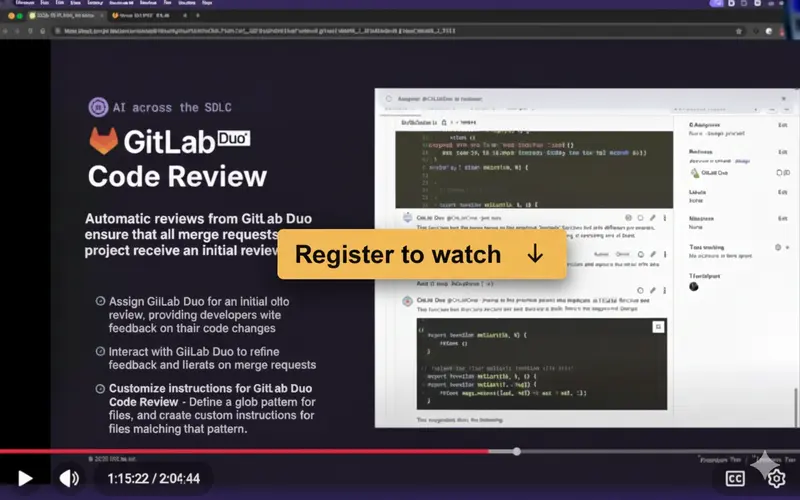
The GitLab Duo Agent Platform Workshop explores the transition from simple AI chat interfaces to a sophisticated agentic ecosystem. The platform utilizes a specialized architecture involving the GitLab Rails monolith and an AI Gateway to orchestrate autonomous “sub-agents” like Duo Planner and Security Analyst. A core highlight is the integration of the Model Context Protocol (MCP), enabling agents to securely access external tools and enterprise data.
The session demonstrates building custom agents using YAML and Python, showcasing automated workflows from initial issue analysis to merge request generation. Ultimately, the platform empowers developers to automate routine DevSecOps tasks while maintaining strict security governance and human-in-the-loop control.
Register here to receive the recording via email:
We added captions and timelines at your convenience.
Workshop Chapters & Timelines:
- 0:00 – Introduction
- Welcome and overview of the workshop’s goals.
- Introduction to the team building the Duo Agent framework.
- 2:15 – The Vision: Why an Agent Platform?
- Moving from simple “Chat” to “Agents.”
- How GitLab plans to enable developers to build their own AI-driven workflows.
- 6:45 – High-Level Architecture
- Understanding the relationship between the GitLab Rails monolith, the AI Gateway, and the Agent Executor.
- The “Sub-agent” architecture explained.
- 12:10 – Core Concepts: Tools and Definitions
- What constitutes a “Tool” in the GitLab ecosystem.
- How the LLM decides which tool to call.
- 17:35 – Developer Setup & Local Environment
- How to set up the GDK (GitLab Development Kit) for agent development.
- Configuring the AI Gateway locally.
- 23:50 – The Agent Definition File
- Walking through the YAML and Python structures used to define an agent’s behavior.
- Defining the “System Prompt” and available capabilities.
- 31:15 – Demo: Creating a Custom Agent
- Live coding session: Building an agent that can interact with GitLab Issues and Merge Requests.
- Testing the agent’s reasoning capabilities.
- 40:40 – Advanced Tooling & Observability
- Using LangSmith for debugging agent traces.
- How to see exactly what the LLM is “thinking” during the Chain-of-Thought process.
- 48:20 – Security and Governance
- Data privacy in the Agent Platform.
- How GitLab ensures agents don’t leak sensitive code or credentials.
- 54:10 – Future Roadmap
- What’s coming next: Bring Your Own Model (BYOM) and third-party integrations.
- 57:45 – Q&A Session
- Addressing community questions regarding latency, cost, and extensibility.
ALM Toolbox has assisted hundreds of clients in selecting the appropriate GitLab edition, license and in planning the product’s implementation, GitLab support deployment.
We have been official partners of GitLab since 2016 and hold titles awarded by GitLab company:
“Selected Partner”, “GitLab Hero” and “GitLab Champion” as well as official professional GitLab certifications after passing qualification exams.
Recently, we were also selected by the research firm STKI as the “GitLab Selected Partner” for 2025.
You can contact us by email at gitlab@almtoolbox.com or call us:
866-503-1471 (USA / Canada) or +31 85 064 4633 (International)







