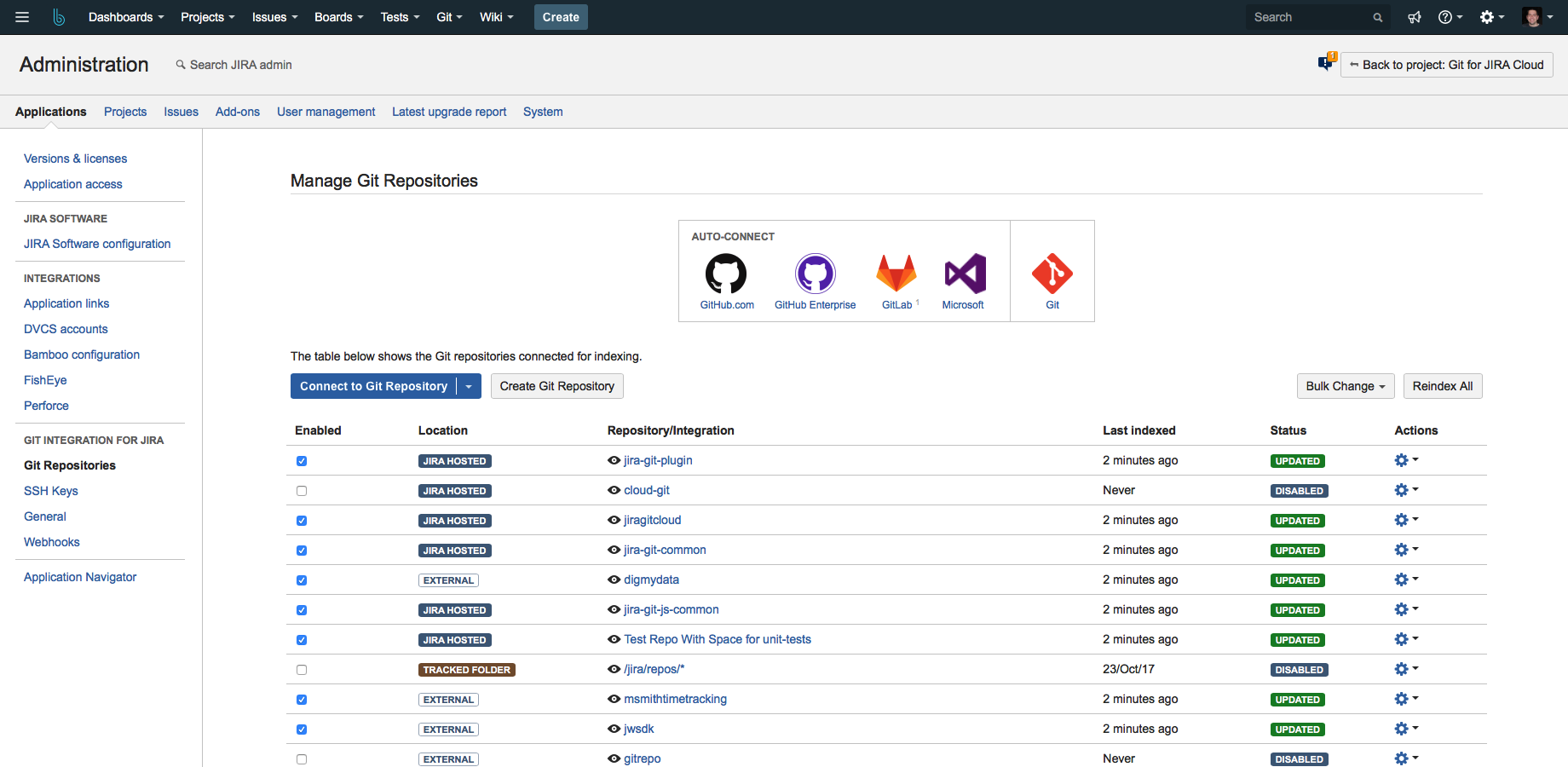
I decided to write an updated post about the Git Integration for Jira product, which we have been representing for a long time.
It is a useful, popular product (with thousands of customers worldwide) and is generally affordable.
The product allows you to view data coming from Git (such as commits, branches, tags, pull requests, and merge requests) directly within Jira, without leaving the Jira UI. It also allows you to perform Git actions directly from within Jira.
In my opinion, the main advantage of the product is the connectivity between Git and Jira – directly from the Jira screen – enabling convenient and advanced traceability.
Key Features:
- View development and code status from within Jira to understand the current development status.
- Perform code reviews from within Jira (optional – you can continue using your preferred tools if you wish).
- Work on the code without leaving Jira.
- Create a Git branch directly from Jira.
- Create pull requests and merge requests from within Jira.
- Compare branches and tags, including filtering by commits and issues – enabling full traceability.
- View diffs between file versions, including the number of changed lines of code.
- Smart commits – use tags to identify when a commit was made and to transition issue states.
Supported Git Servers:
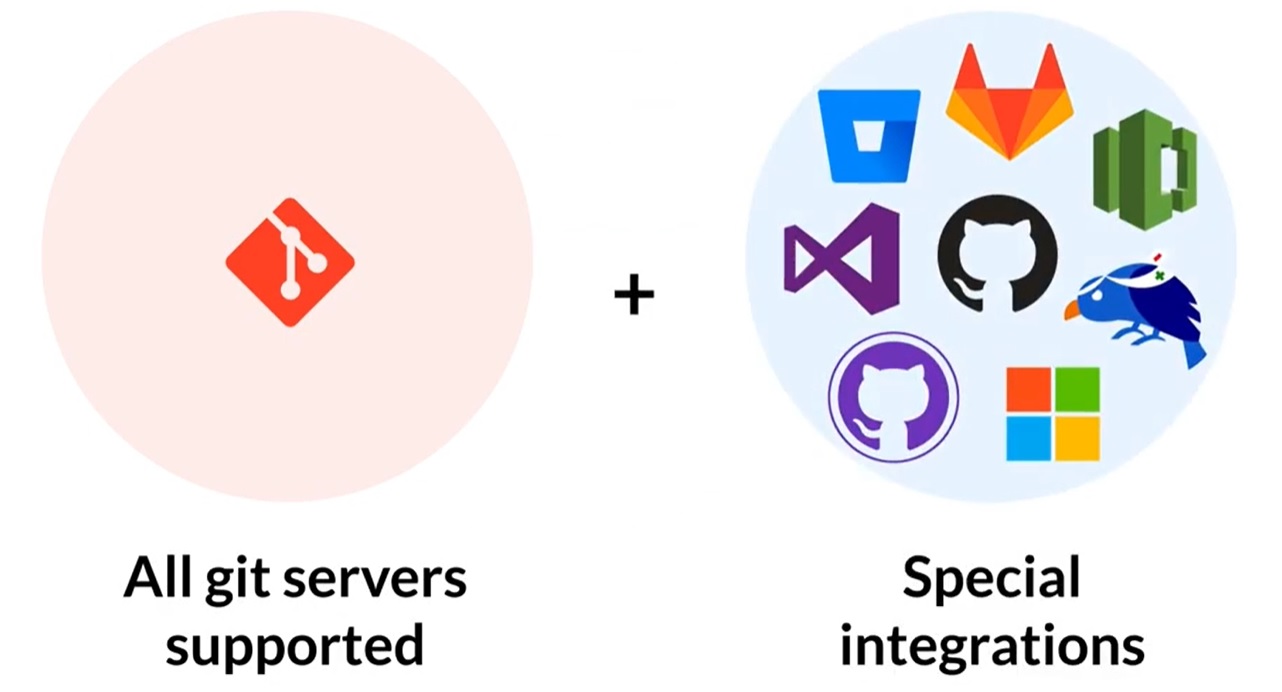
- GitHub + GitHub Enterprise
- GitLab Cloud + Self-hosted (on-premises)
- Bitbucket
- Gerrit
- Azure DevOps
- TFS
- Git on Linux/Windows
- Beanstalk
- Gitblit
- Bonobo
- Gitolite
Supported Jira Versions:
- Jira Server (self-hosted / on-premises)
- Jira Data Center (High-availability)
- Jira Cloud (Atlassian’s cloud)
Short Demo Video of Git Integration for Jira:
You can purchase the product directly from us, along with other Jira plugins, Jira licenses, and Git server licenses (such as GitLab, GitHub, or Bitbucket).
You can also request a trial version from us – contact details follow below.
What services do we provide around the product (in addition to licenses)?
- Training and proper, rapid implementation of the product, including best practices (as well as options for Git and/or Jira training).
- Custom feature development if needed, fully tailored to your company and development processes.
- On-site or remote support.
- Development of custom reports and automation (e.g., exporting data from Jira and Git to Word/PDF/Excel via automated email).
- Localization and language adaptation if required.
We offer end-to-end solutions, including support, licenses, training, and more.
For more details: devops@almtoolbox.com or call: 866-503-1471 (US & Canada) or +31 85 064 4633
Relevant Links:
- Git training we provide
- Azure DevOps training we provide
- Jira Website
- GitLab Website
- Bitbucket Website
- GitHub Website







